LOGISTICS ORGANIZATION SYSTEM

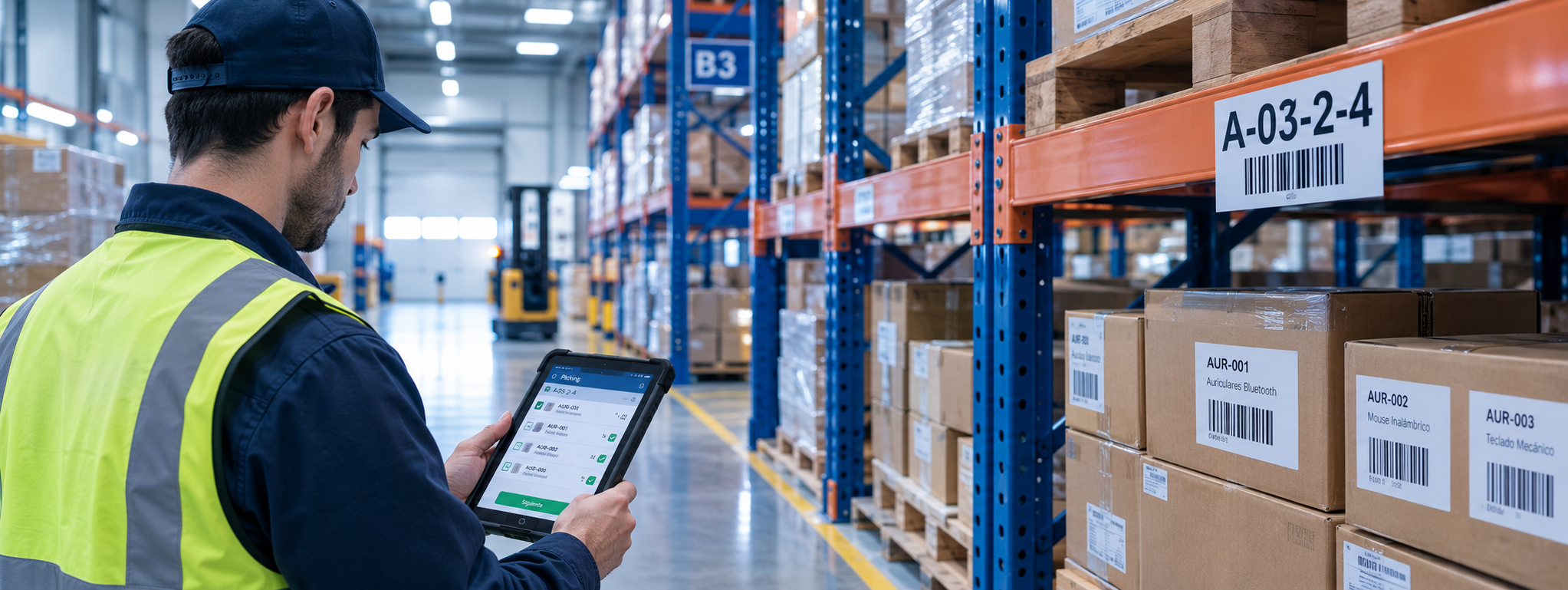
From a chaotic warehouse to assisted picking.

A system that organizes inventory and shows clear routes to optimize storage and order preparation.

Assisted picking
LOCATION
P02-E01-N01
Pick confirmed
ABOUT THE PROJECT

Background and goals

The problem we solve and how we approached the solution.

THE PROBLEM

The chaotic warehouse

Lost orders, long picking times and human errors caused by poor spatial organization.

  • Hard-to-find locations
  • Delays in order preparation
  • Storage errors
THE SOLUTION

Assisted picking

Clear picking routes, zone-based organization and every stock movement recorded digitally.

  • Optimized picking routes
  • Zone-based organization
  • Order tracking
INNOVATION WALKTHROUGH

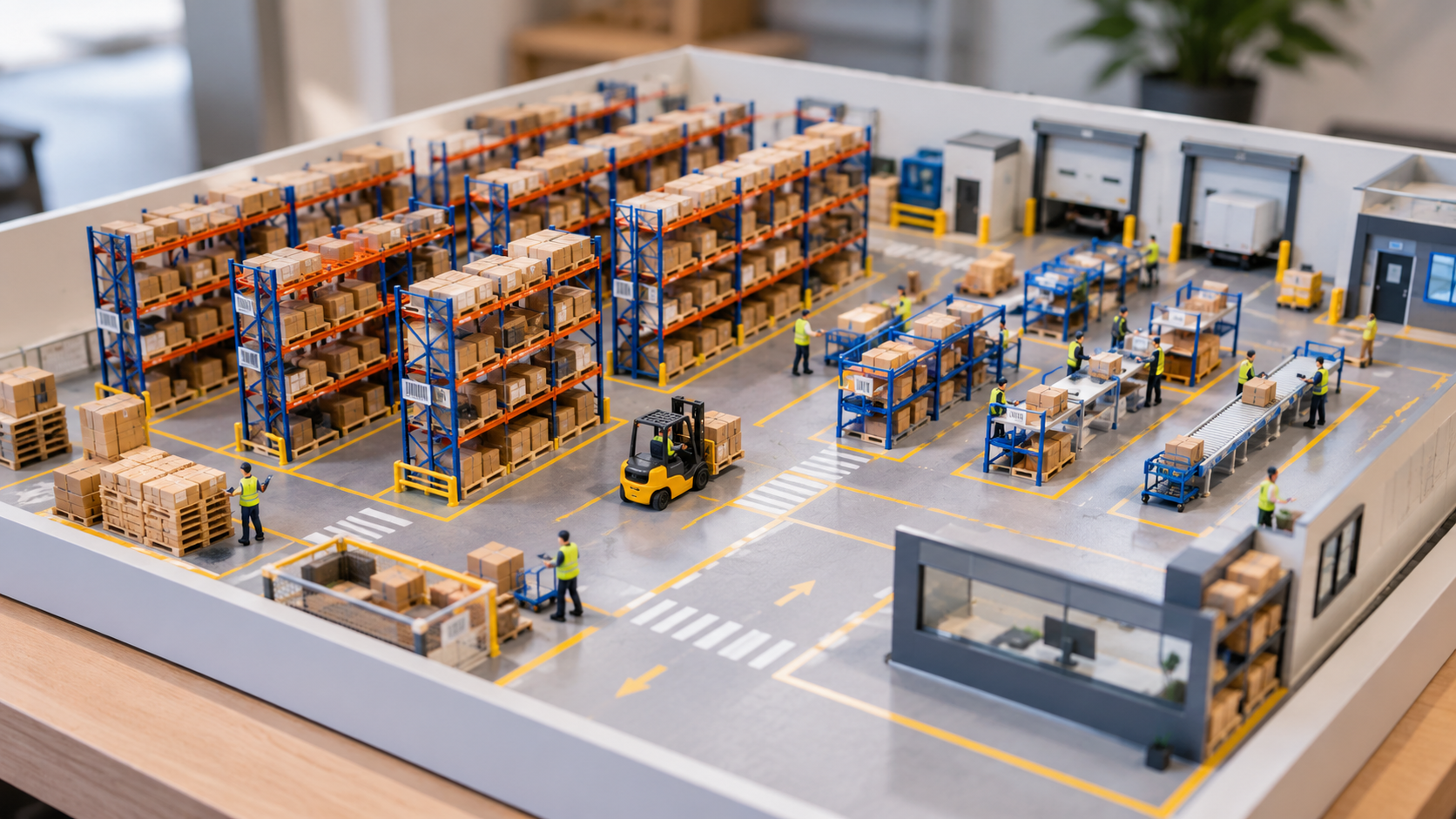
Zone-based organization

How the warehouse is laid out and how a picking order comes together.

Refrigerated

Temperature control and dedicated spaces.

Dry

General storage for fast-moving products.

Bulky

Large packages, wide access and special spaces.

  1. 1Order assigned
  2. 2Picking route
  3. 3Checklist
  4. 4Order completed
OPERATIONAL INFORMATION

Protocols, guides and roles

Standardized processes that cut errors and time at every stage of the warehouse.

01 · STORAGE

Receiving protocols

Every product enters the warehouse labeled and with an assigned place.

  1. Delivery note checkThe supplier's documents are attached to each product.
  2. Label checkEach item is identified with a unique SKU code.
  3. Check-in recordZone and exact location, such as P02-E01-N01.
02 · PICKING

Picking guide

The operator follows a clear route and the system validates every step.

  1. Location checkThe route sheet guides the operator and confirms they are at the right spot.
  2. Quantity confirmationUnits are checked and stock is updated instantly.
  3. Final checklistNo order is closed with items still pending.
03 · ROLES

Schedules and roles

Each role only sees what it needs for its job.

  1. AdministratorPlans, assigns and approves warehouse orders.
  2. OperatorPrepares their orders and tracks their performance and achievements.
  3. Delivery datesA dispatch schedule with committed dates.

Tracking every order

The status of every order is known at all times, from creation to dispatch.

  1. PendingCreated and waiting to be prepared.
  2. In PickingThe operator works through the route sheet.
  3. To validateThe administrator approves it or sends it back.
  4. CompletedReady for dispatch.
MEDIA GALLERY

Scale model and mockups

Photos and videos of the scale model, plus the interfaces designed in Figma.

Login
Login
LoginUI
Orders
Orders
OrdersUI
Picking
Picking
PickingUI
Checklist
Checklist
ChecklistUI
Resources
Resources
ResourcesUI
Physical model
Physical model
Physical modelUI
CONTACT

Technical support and team

Get in touch for technical support or questions about the solution.